I
Drop things where they are
Catch the fragment before you know where it belongs. The inbox can be organized later, with AI beside you.
Privacy-first, self-hosted personal hub
Drop notes, links, files, and folders as they are. Tags and relationships weave later, turning your work into galaxies, systems, and stars.
No cloud.No subscriptions.No accounts.
Keep the previous step, current focus, and next move as a route.
Motion
Drop it in, weave it, follow it — the core Seiton loop in a short demo.
Why Seiton?
Seiton is not a notes app or a task manager. It is a relationship map for messy work.
Catch the fragment before you know where it belongs. The inbox can be organized later, with AI beside you.
after, part_of, related. Direction carries meaning, so context returns faster than through folder trees.
AI is optional: a CLI you configure, manual copy/paste, or none. No telemetry and no hidden cloud sync.
Three Scales
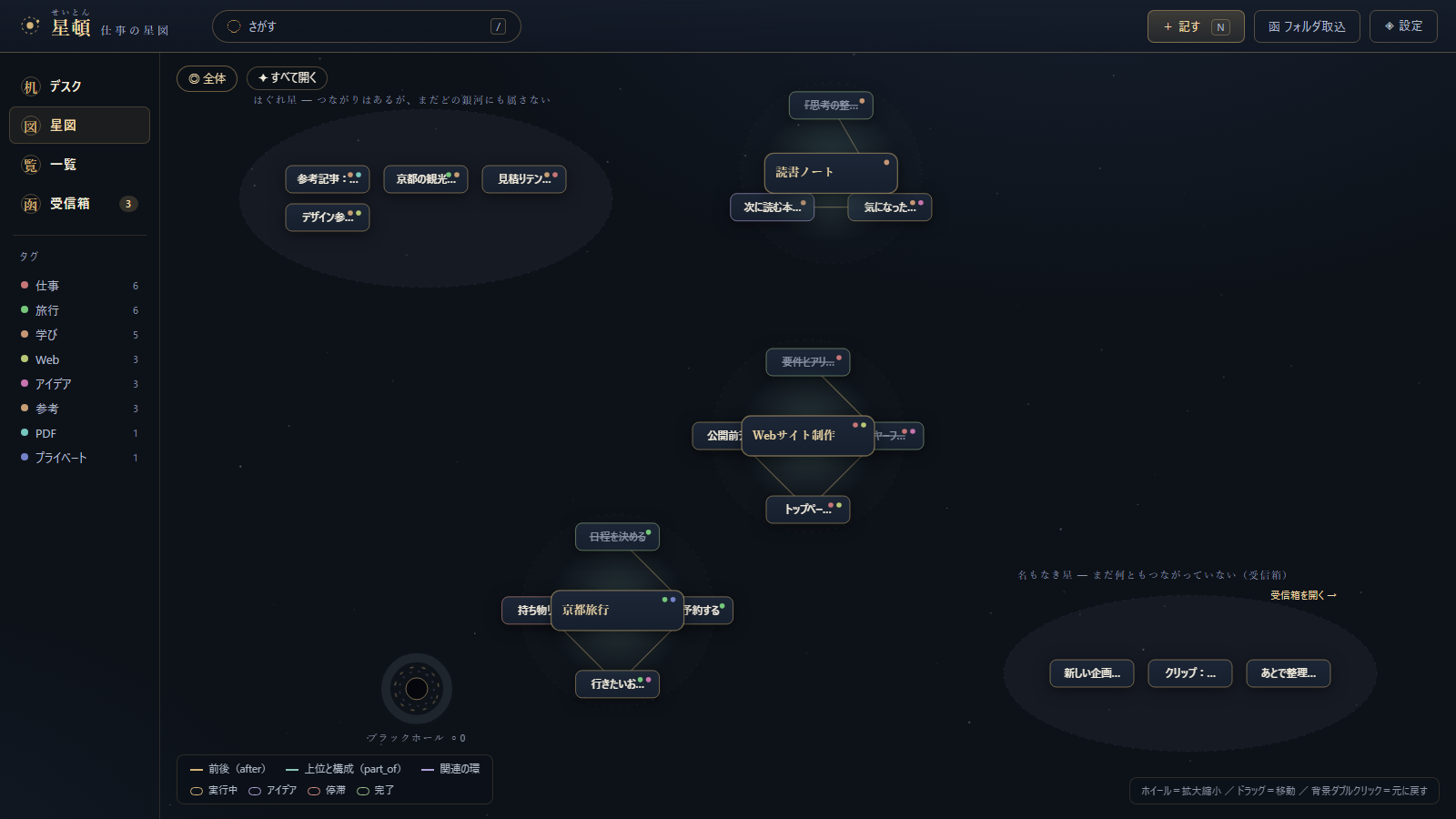
Start from the whole, move into a center, then return to the next concrete action.
See tag clusters and large flows at once. Scattered work begins to show its regions.
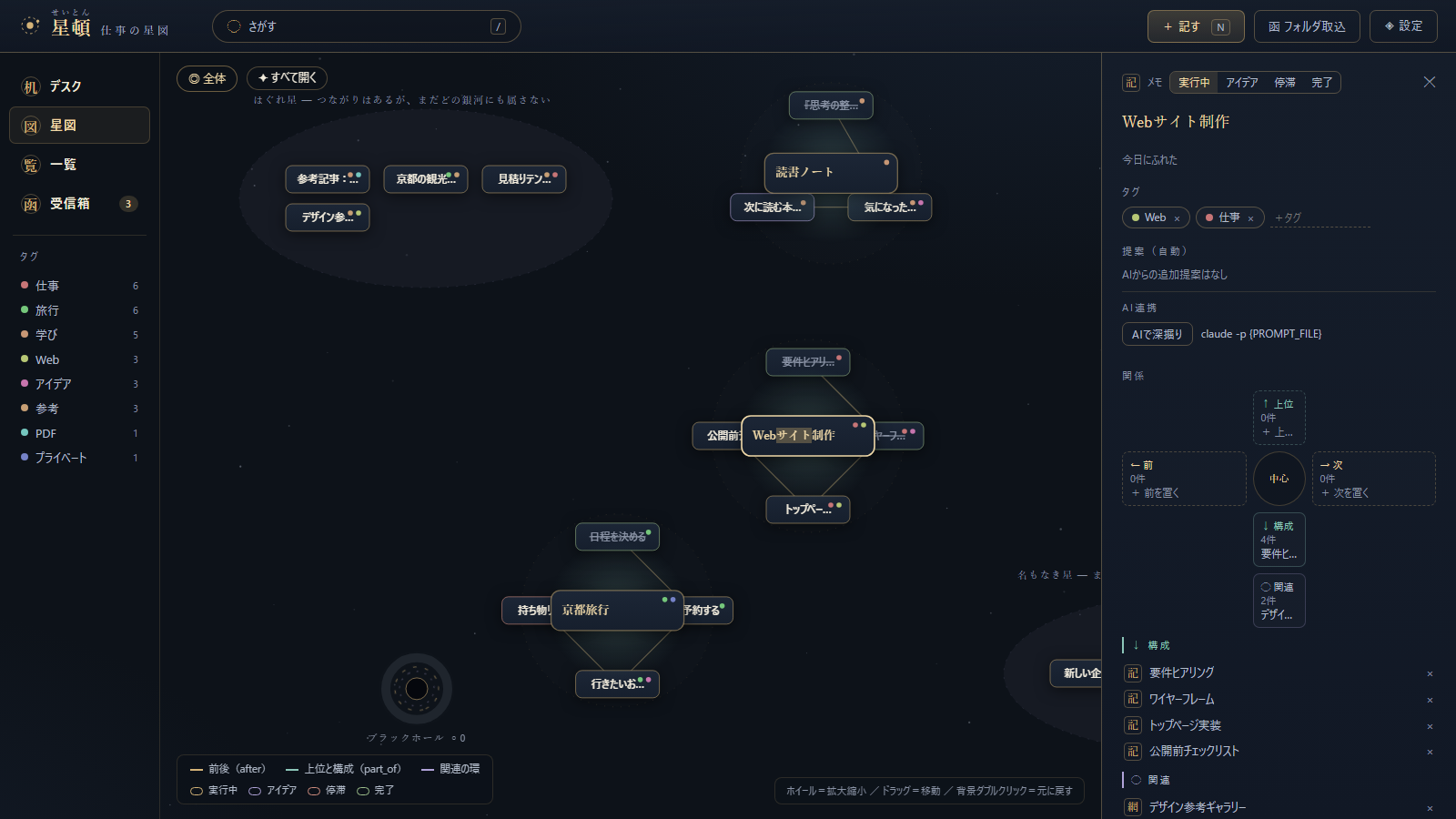
Place one item at the center and read before, after, parent, parts, and orbiting context by direction.
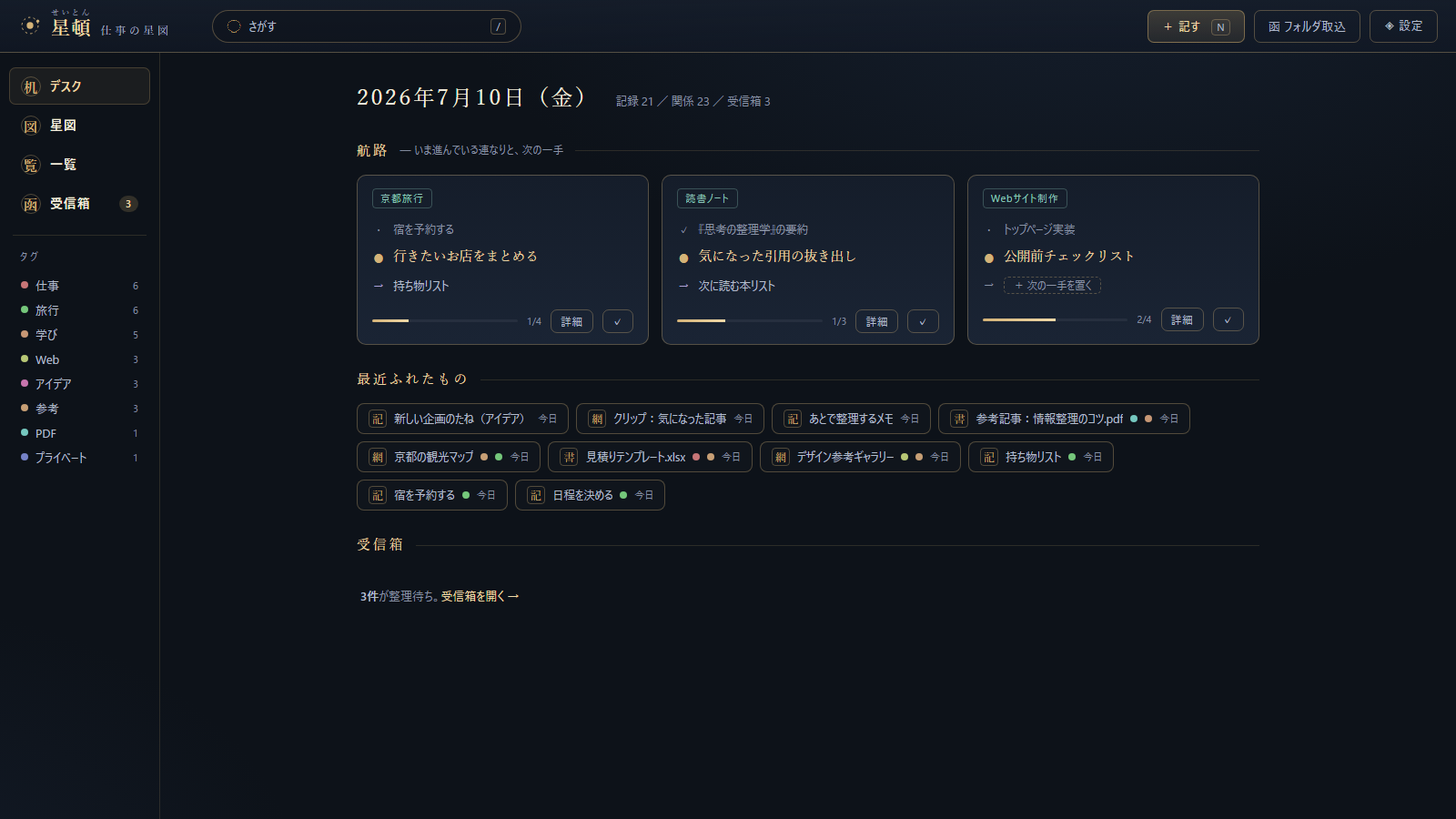
Use the desk to recover today's routes, recent work, and inbox items before taking the next step.
Privacy
Not a black box, but a tool on your own desk. You decide which places it may read.
Self-hosted and fully local
A 127.0.0.1 local server and SQLite on your own machine. No bundled cloud sync.
Reads only approved places
Only registered folders are read. Choose names-only or content-reading per root.
No telemetry
Usage is not sent anywhere. AI calls happen only through your configured CLI or manual copy flow.
Download
Artifacts are published through GitHub Releases. Platform verification: Windows (source/portable/win64) and Ubuntu 24.04 under WSL2 (source). macOS is not verified.
Unzip and run. No Python needed. Start seiton.exe, or seiton-tray.exe to keep it in the task tray.
seiton-v1.1.1-win64.zip
Runs from source with Python 3.9+ and nothing else. No pip install, no Node, no Docker.
seiton-v1.1.1-portable.zip
For developers. Zero runtime dependencies: clone, then run seiton.cmd.
git clone https://github.com/D-studyLab/seiton.git
v1.1.1 ships as the two zips above. No installer is distributed. Unsigned Windows builds may trigger SmartScreen. Only run files from the official Releases page. If you trust the download, choose More info -> Run anyway.